
🍳 Motivation
An IDE is essential for setting up a development environment. I wanted to test which IDE would be best, so I decided to start by installing the most basic one, VS Code.
🍳 VS Code Installation Tutorial
- First, you need to import Microsoft’s GPG key and add the repository.
wget -q https://packages.microsoft.com/keys/microsoft.asc -O- | sudo apt-key add -sudo add-apt-repository "deb [arch=amd64] https://packages.microsoft.com/repos/vscode stable main"- You need to update the package lists.
sudo apt-get update- Install Visual Studio Code.
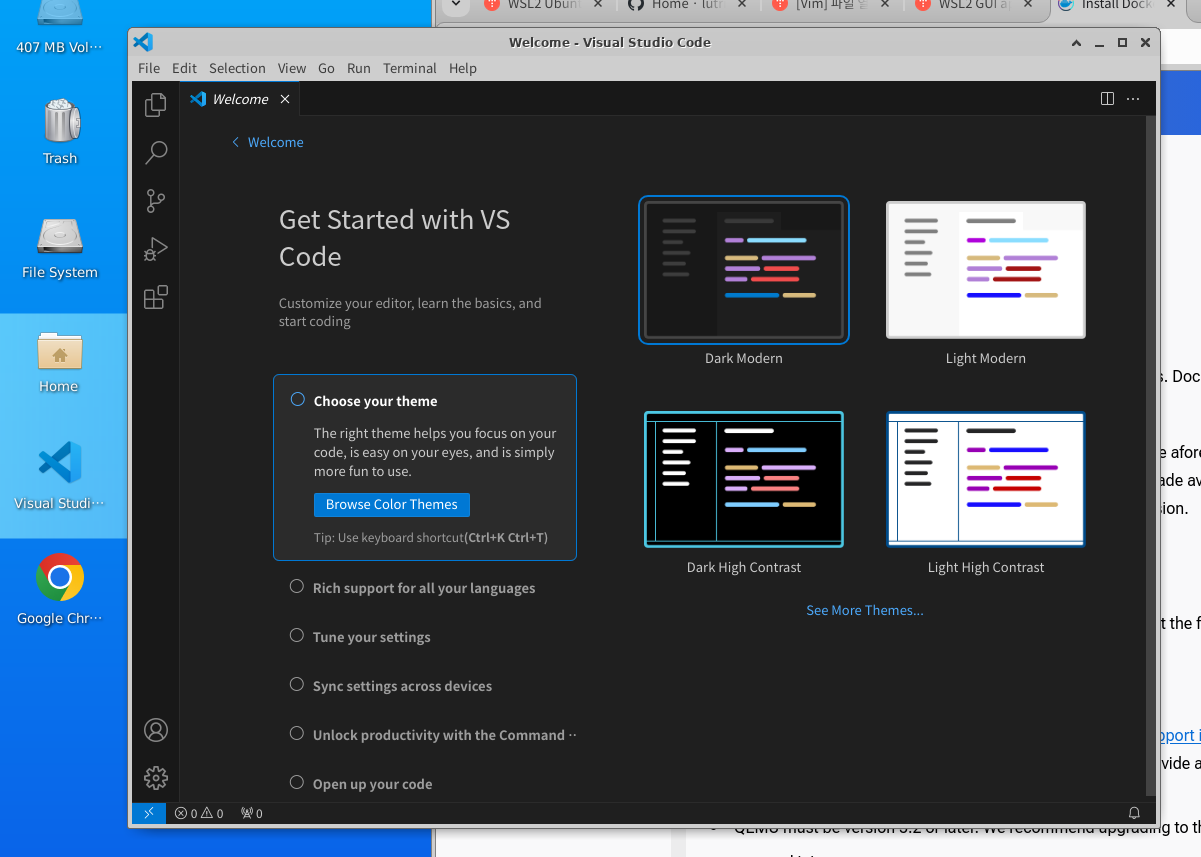
sudo apt-get install codeAs shown in the image below, you can see that VS Code has been installed and launched successfully.
🍳 Thoughts
Installing VS Code itself is not particularly difficult. I wanted to try setting up the most basic development environment for a developer using Linux, and I plan to install various additional tools to create the development environment I want for AI development. Since I had quite a difficult time installing Linux through WSL in a Windows environment, installing VS Code itself was not difficult.
Things I want to try next
- Install Docker on Linux
- Try installing a database