
🍳Motivation
A database is essential for storing the data of a second brain. After learning about various databases and wanting to use one directly in a Linux environment, I chose PostgreSQL. PostgreSQL is said to have diverse references and beginner-friendly conditions, so I decided to take this opportunity to install and try using it.
🍳Tutorial
Step1. Update apt-get and install PostgreSQL
First, update apt-get.
$ sudo apt-get update
$ sudo apt-get install postgresql postgresql-contrib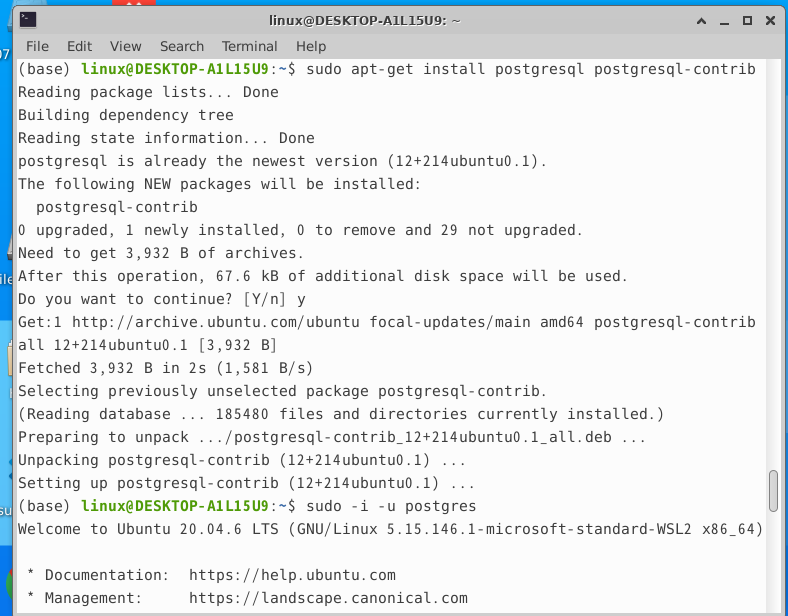
Step2. Try running it
The postgres account is automatically created when PostgreSQL is installed. The following command changes to the postgres account.
$ sudo -i -u postgres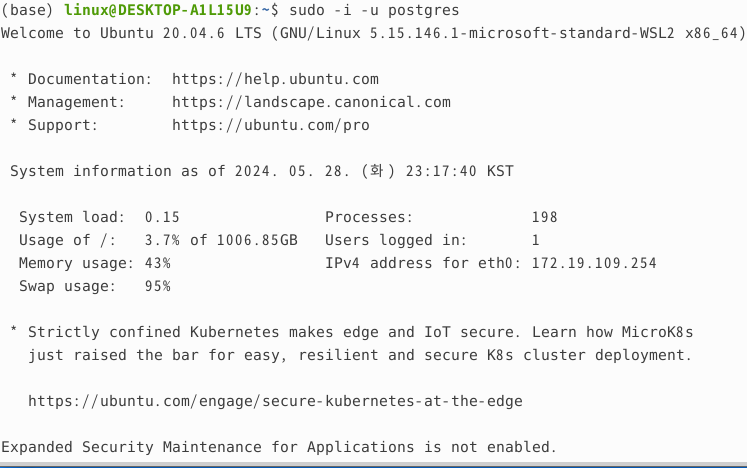
You can confirm that the account has been changed to the postgres account.

Now, let’s enter PostgreSQL.
$ psql
You can see that PostgreSQL was installed successfully, and the installed version is 12.18.
🍳Impressions
I installed my first database. Until now, I had stored data in Google Drive or in folders and on the desktop locally, but after installing PostgreSQL, I should now create database space for storing data and use it when working on projects. I should learn SQL for database operations and practice by manipulating various things, taking this opportunity to become familiar with it.
Reference
- Tutorial reference: https://dejavuqa.tistory.com/16