🍳 Motivation
If you have a large project, collaboration is often necessary. When developing in a Linux environment at a company, I want to install Slack, one of the most representative tools for communication.
🍳 Tutorial
The official Slack website clearly explains how to download the Slack app on Ubuntu.
Installation
Open the terminal and install Slack using snap.
sudo snap install slack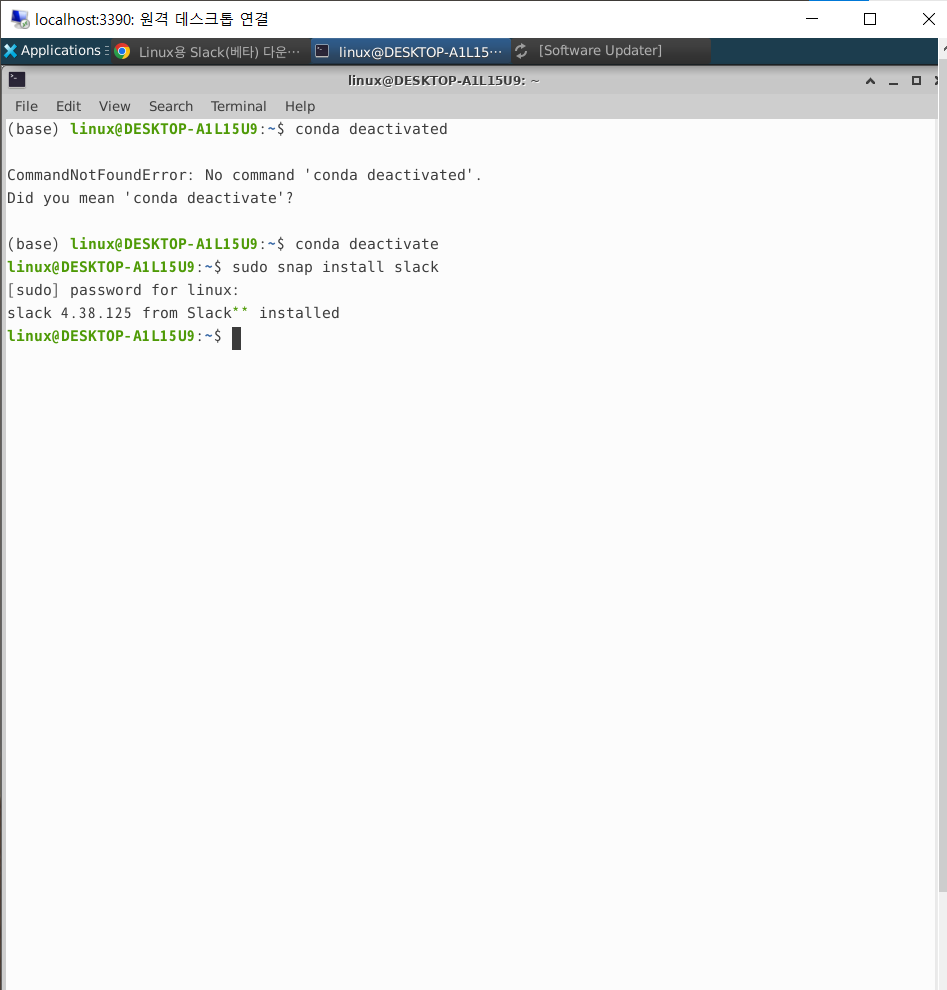
How to Update
sudo apt-get update
sudo apt-get upgrade slack-desktop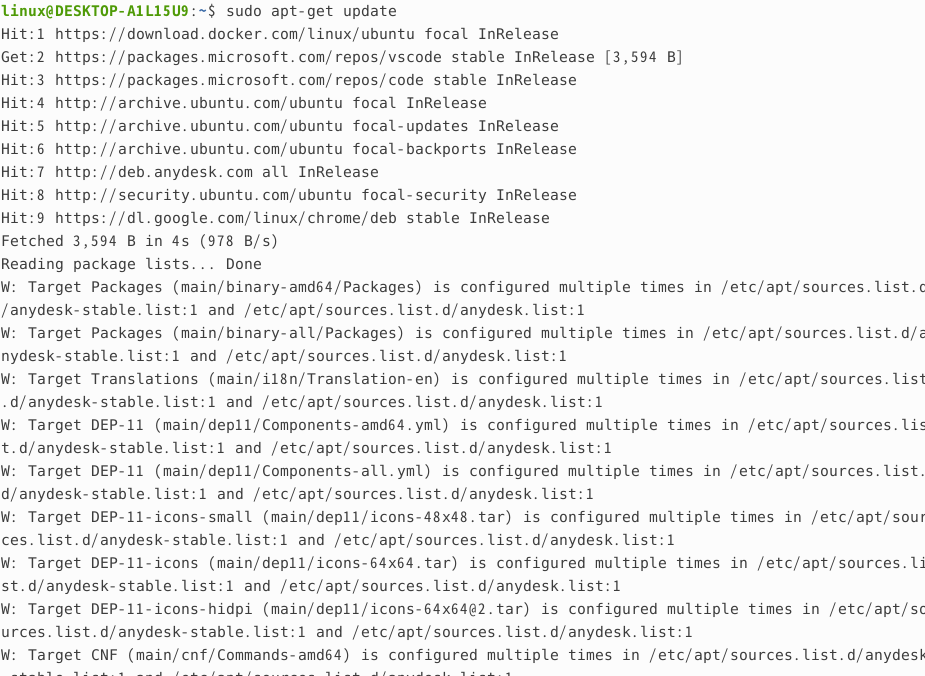

How to Uninstall
sudo snap remove slackResult

🍳 Thoughts
Slack has provided a convenient setup for installing it on Ubuntu.