Main Needs
- AI projects
- Business
These are the two main areas of the projects I want to pursue in the future. I would like to select and analyze Ubuntu, a widely used Linux distribution that is suitable for both of these areas.
Who developed the OS, when, and why?
- Ubuntu was first released in 2004 by Mark Shuttleworth and his company, Canonical. The main purpose behind creating Ubuntu was to provide a user-friendly and completely free Linux distribution that anyone could easily use.
- Ubuntu takes its name from an African philosophy meaning “humanity toward others,” reflecting the spirit of software freedom and sharing. Ubuntu was designed for use in a variety of environments, including desktops, servers, clouds, and IoT. It has developed a strong community, releases a new version every six months, and releases an LTS (Long-Term Support) version every two years that is supported for five years, allowing it to continuously evolve.
Pros and Cons of the OS
Pros
Highly versatile OS
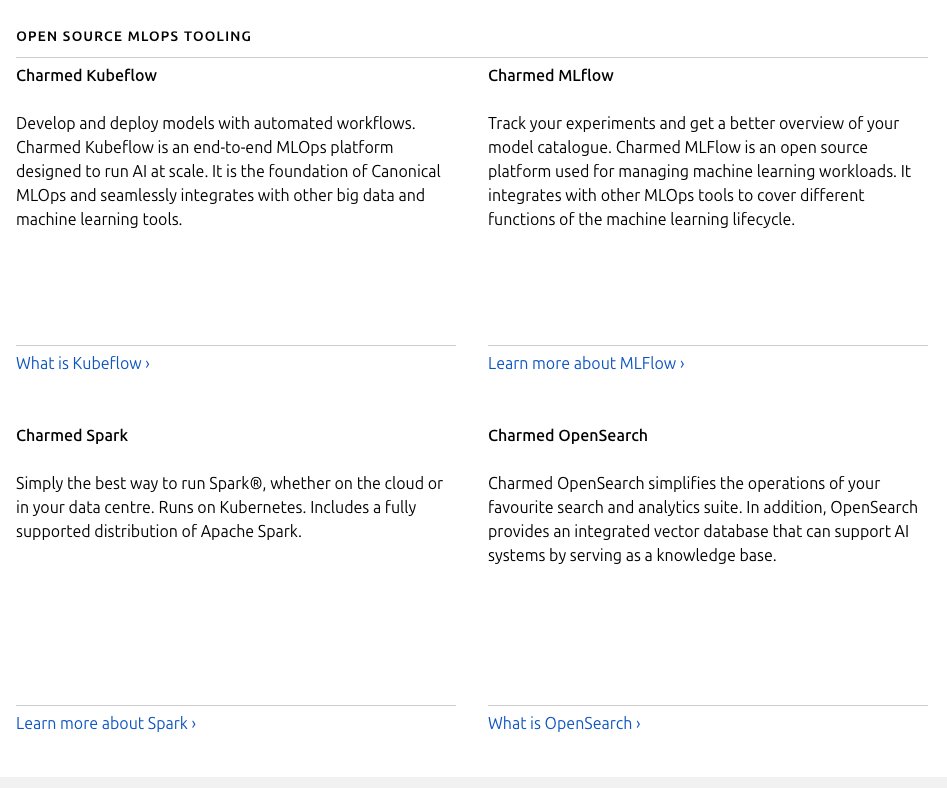
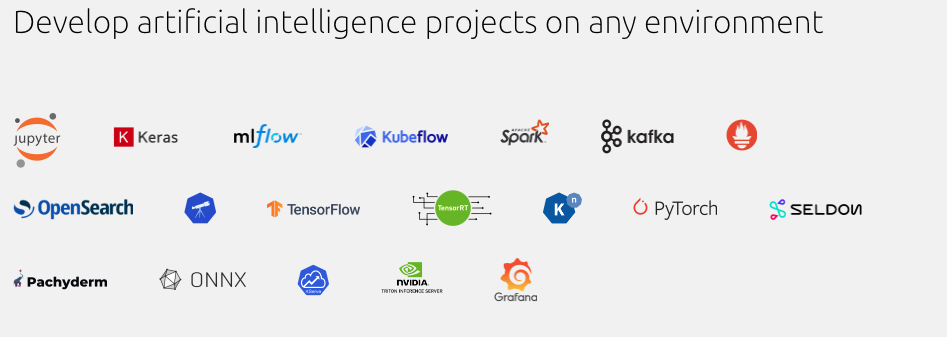
Ubuntu is a preferred OS for data science, AI, and ML development. In particular, its integration with tools such as NVIDIA AI Workbench enables GPU-accelerated workloads to be handled smoothly.
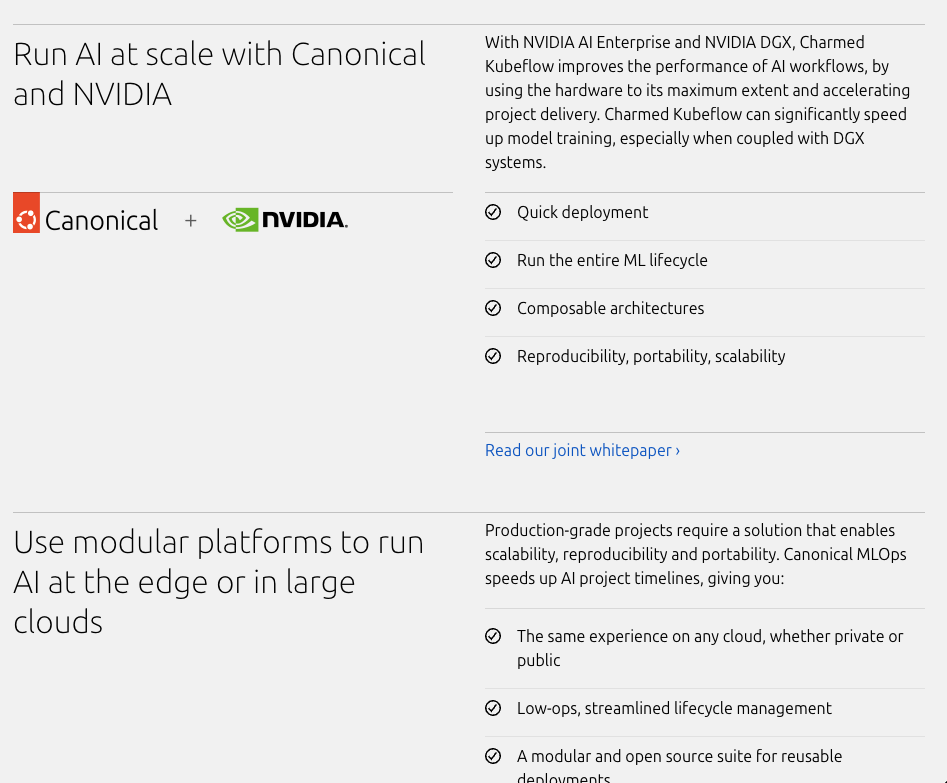
As shown below, Canonical supports end-to-end MLOps and integrates tools that can accelerate model training, such as NVIDIA AI Enterprise, NVIDIA DGX, and Charmed Kubeflow, making AI development even more convenient.
Optimized for cloud and server operations
Ubuntu is a preferred OS for public clouds, offers excellent compatibility with cloud-based development tools, and provides specialized platforms such as Ubuntu Core for IoT development.
Excellent hardware compatibility
Ubuntu is compatible with a wide range of hardware from major manufacturers such as Dell, Lenovo, and HP, providing flexibility and compatibility across a broad range of devices.
Mature ecosystem
Ubuntu provides five years of stable support through its Long-Term Support (LTS) versions, along with strong community support. Although many other Linux operating systems are complex, lack compatibility, and are difficult to use, Ubuntu offers many utilities suitable for general users, including Ubuntu Software, making it accessible even to non-developers.
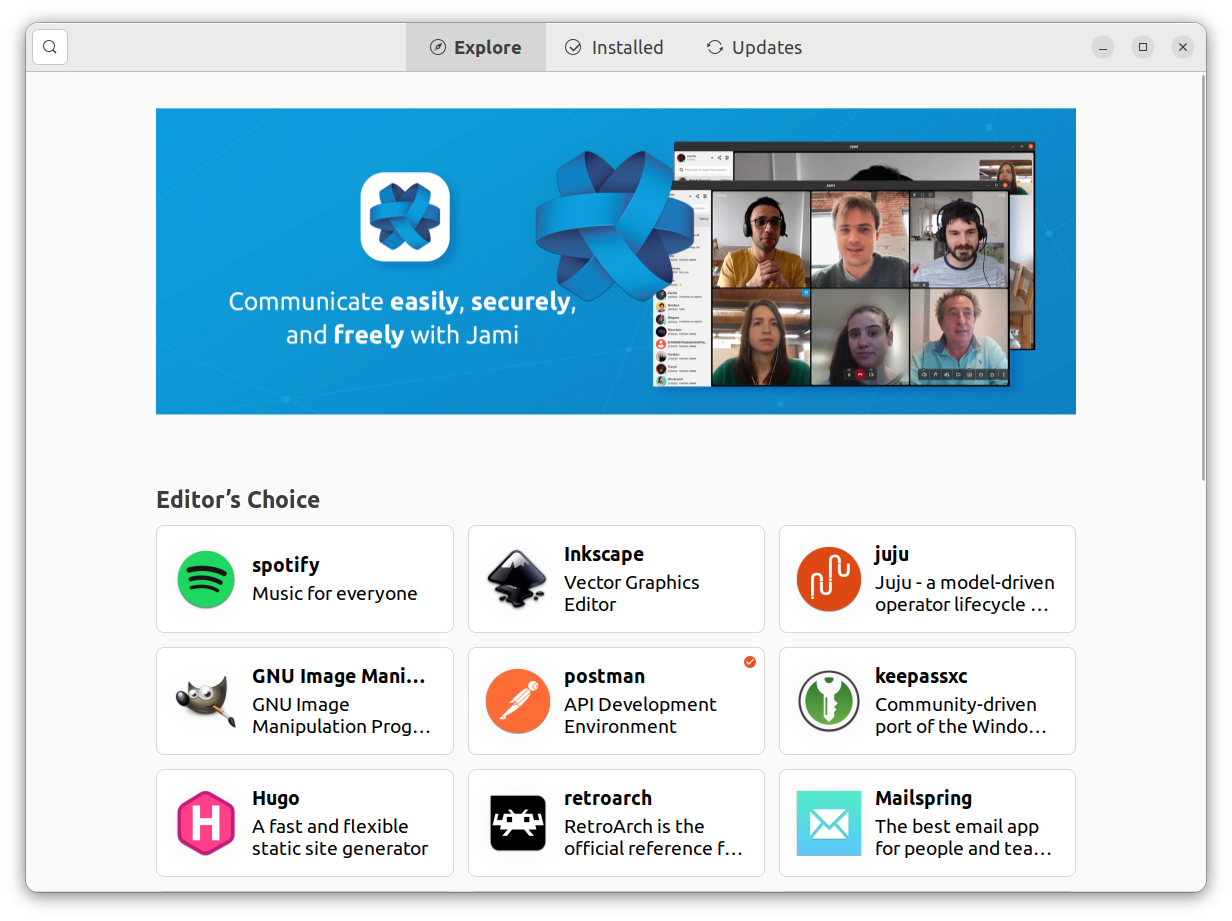
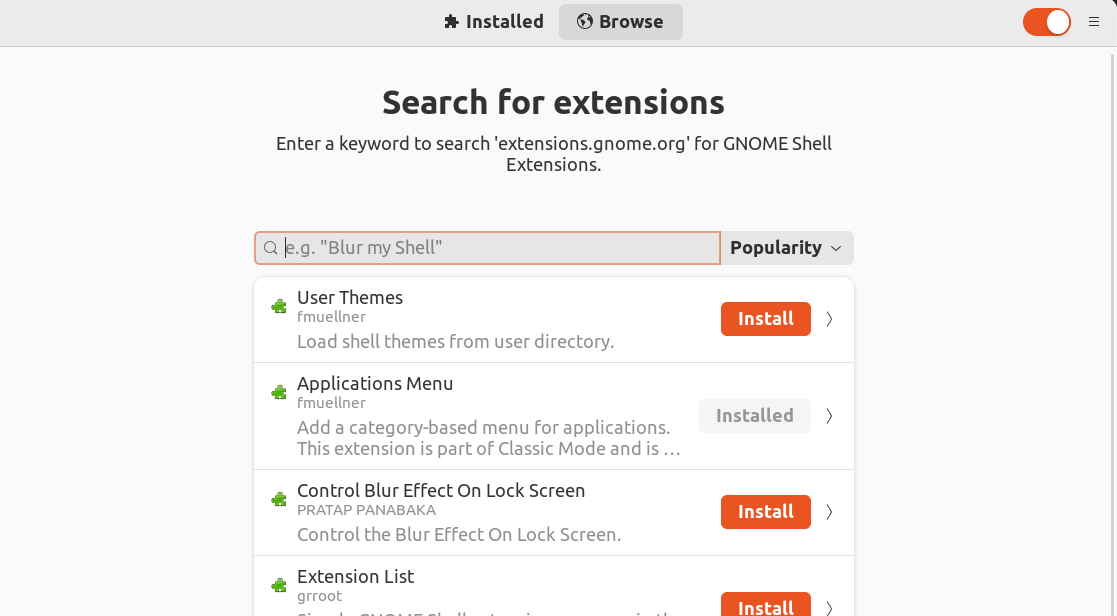
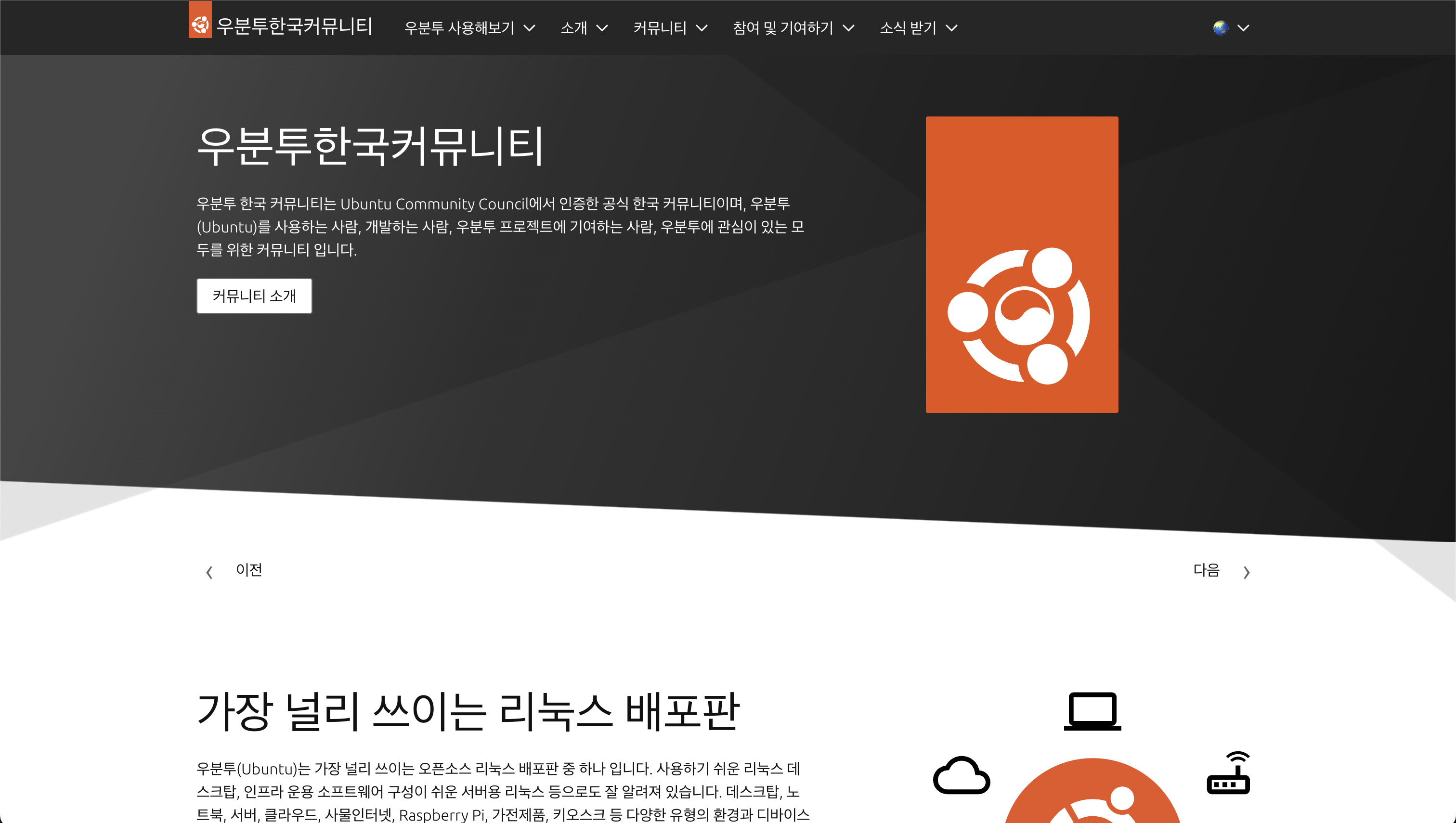
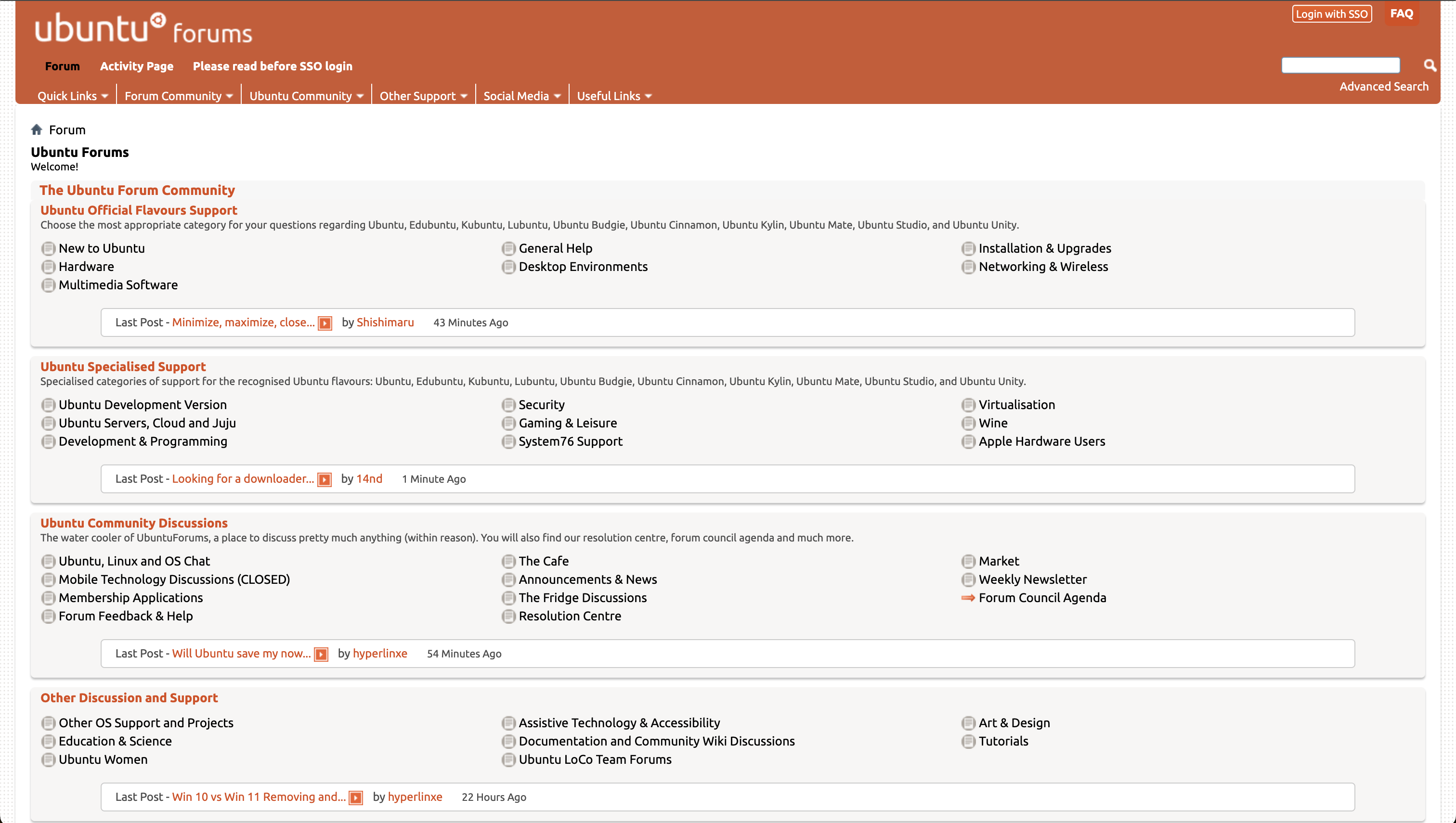
As can be seen in the image below, Ubuntu has a large user base, so there are many communities such as the Ubuntu Forum and the Ubuntu Korea Community, as well as abundant references available in Korean.
Reference:
Cons
High resource requirements
Ubuntu may require more system resources than lightweight distributions such as Alpine Linux. This is something to consider, especially in resource-constrained environments. In exchange for ease of use and a wide range of features, Ubuntu may consume more system memory and CPU resources, which can lead to reduced performance in server environments or on older hardware.
Compatibility issues with specific hardware
Driver compatibility issues may occur with some specific hardware, potentially requiring additional configuration or adjustments. In particular, Ubuntu’s default drivers may not provide optimal performance on the latest hardware or equipment with specialized configurations. Users may need to manually install drivers provided by the manufacturer or seek help from the community to resolve these issues. In particular, if users want to use software such as Notion, KakaoTalk, and Kakao Work for development, Linux does not support these programs.
Complexity during upgrades
Ubuntu regularly releases new versions, and the process of upgrading from an older version to a newer one can sometimes be complex and time-consuming. In particular, when many custom settings or third-party software are in use, compatibility issues may arise during the upgrade process, requiring additional work such as reconfiguring system settings or reinstalling software.
Roadmap of the OS
The future roadmap for Ubuntu presented by Oliver Smith, Senior Product Manager for Ubuntu at Canonical, on the Ubuntu Blog is as follows.
- Enhanced security: Ubuntu is increasing its focus on security, including various MFA tools, secure boot, hardware-based encryption, and immutable operating systems.
- Cloud transition: In response to the rapid transition of user data and enterprise management suites to the cloud, Ubuntu is focusing on improving the usability of cloud desktops.
- Exploring technological innovation: Ubuntu is exploring the adoption of experimental technologies such as built-in AI technology (e.g., Windows Copilot) and augmented or virtual reality productivity environments (e.g., Apple Vision Pro).
- Ubuntu Core Desktop: Along with Ubuntu 23.10, Ubuntu is developing Ubuntu Core Desktop, an immutable version of the classic desktop experience. This provides an additional option for Linux desktop users, designed to improve security, quality, and stability.
- Adoption of Netplan: Ubuntu 23.10 plans to introduce Netplan to Ubuntu Desktop, providing a more integrated experience between servers and desktops.
This reflects Ubuntu’s strategic thinking as it evolves the desktop experience to meet users’ changing needs and align with the broader values of the open-source development community. To achieve these goals, Ubuntu is continuously exploring new technologies and use cases while rapidly expanding its desktop team to grow its user base.
[Reference]
- https://ubuntu.com/about/release-cycle
- https://ubuntu.com/blog/ubuntu-desktop-charting-a-course-for-the-future
Which companies use Ubuntu?
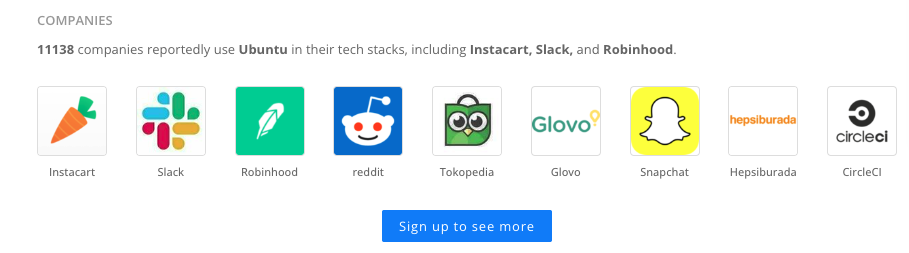
As shown in the image above, 11,138 companies use Ubuntu in their tech stacks. We can see familiar names such as Danggeun Market, Slack, and Reddit, and it is clear that Linux is gradually increasing its share of the market.
[Reference]
- https://openmetal.io/docs/product-guides/private-cloud/machine-learning-and-operating-systems/
- https://askubuntu.com/questions/50587/which-big-computer-companies-support-the-ubuntu-project-financially
- https://linuxsecurity.com/features/open-source-ai-projects-for-linux
- https://stackshare.io/ubuntu
Why do AI developers use Ubuntu?
Round 1: Ubuntu vs. macOS
1. Integration with NVIDIA AI Workbench
- Ubuntu is a preferred OS for data science, AI, and ML development, and its integration with NVIDIA AI Workbench enables GPU-accelerated workloads to be handled smoothly. This represents an important performance improvement in AI development.
2. Optimized for cloud and server operations
- Ubuntu is a preferred OS for public clouds, offers excellent compatibility with cloud-based development tools, and provides specialized platforms such as Ubuntu Core for IoT development. In contrast, macOS does not provide support for server-side applications and services as extensive as Ubuntu’s.
3. Hardware compatibility and cost efficiency
- Ubuntu is compatible with a wide range of hardware from major manufacturers such as Dell, Lenovo, and HP, providing flexibility and compatibility across a broad range of devices. In contrast, macOS is limited to Apple hardware, which restricts it in terms of cost and flexibility.
4. Long-term support and management tools
Ubuntu provides five years of stable support through its Long-Term Support (LTS) versions, which can be extended to ten years through Ubuntu Pro. It also provides management tools such as integration with Active Directory and Azure AD, as well as cloud-init and Landscape, enabling IT administrators to manage development environments efficiently. Although macOS can be managed through tools such as Apple Business Manager and Jamf, its support period is generally shorter than that of Ubuntu LTS versions.
For these reasons, Ubuntu offers broader compatibility, greater cost efficiency, and superior performance in server and cloud environments for AI development compared with macOS’s closed ecosystem. However, if you primarily use Apple’s macOS and the environment you want to develop in is also within the Apple ecosystem, using macOS is a reasonable choice.
[Reference]
Round 2: Ubuntu vs. Alpine Linux
1. Hardware requirements and resource efficiency
- Alpine Linux requires a minimum of 100MB of RAM and 0–700MB of storage space. These very low hardware requirements make it suitable for operation in resource-constrained environments.
- Ubuntu requires a minimum of 512MB of RAM and at least 1GB of storage space. This requires more resources than Alpine Linux, but provides more features and broader compatibility.
2. Performance
- Alpine Linux’s small code base enables fast image building, pushing, and pulling, as well as shorter startup times. However, performance degradation may occur in certain situations due to differences between musl libc and GNU glibc.
- Ubuntu has a larger code base, but provides more features and libraries, enabling it to handle the diverse tasks required for AI development. This can be especially beneficial for AI projects with complex dependencies.
3. Community and support
- Alpine Linux releases a new major version every six months, and its main repository is supported for two years. However, it does not provide commercial support.
- Ubuntu releases a new version every six months and an LTS (Long-Term Support) version every two years, providing five years of support. Ubuntu is also a very widely used Linux distribution, with a large community and commercial support.
4. Package management and software installation
- Alpine Linux uses the APK package manager to install and manage software. APK provides simple and fast package management, but the number of available packages may be limited.
- Ubuntu uses the APT package manager and provides more than 60,000 packages. This means that users of Ubuntu can easily access a greater variety of software and libraries.
The choice between Alpine Linux and Ubuntu depends on the specific requirements and environment of the AI development project. Alpine Linux is suitable for resource-constrained environments, high security requirements, and situations requiring rapid deployment. However, Ubuntu provides broader software compatibility, stronger community support, and more features for complex AI development projects.
Therefore, for AI development, Ubuntu offers more features and flexibility and may be the better choice, especially when complex dependencies and a variety of development tools are required. On the other hand, Alpine Linux has particular advantages due to its lightweight nature and security in specific use cases
[Reference]
Impressions
The possibility of building a self-operated operating system for generative AI, mentioned by The Information in AI Times, along with Microsoft’s Copilot and the operating systems that will incorporate AI into various electronic devices such as mobile phones, is very exciting. I am really looking forward to seeing how AI-specific operating systems will emerge. I am curious about what kinds of AI-based OSs and AI-powered OSs will appear.
As I worked on projects involving open-source projects using LLMs and text mining, I experienced package compatibility issues on Windows OS and had to deal with various problems, such as switching to macOS, which led me to consider choosing a suitable OS. Through this research, I came to understand that OS selection goes beyond personal preference and involves many factors, including the project’s technical requirements, the business market, compatibility, and the scope of community support.
[Reference]
📒 Reference
- Ubuntu is the GOAT for machine learning: https://openmetal.io/docs/product-guides/private-cloud/machine-learning-and-operating-systems/#best